Tasks
To-dos with due dates — without another app
A complete task manager in AZTools: quick add, priorities, groups, filters, trash, public group links, dashboard widgets and REST API.
Free, no credit card · Your tasks stay when you turn the tool off
Why Tasks on AZTools
Lightweight but capable — deadlines, priorities and groups without paying for a separate todo app.
Capture fast
Quick-add from the list header or full edit with notes — mark done in one click.
Never miss a deadline
Due dates plus Active, Today, Overdue and Done filters — summary counts at a glance.
Organize your way
Custom groups with colors, trash for mistakes, optional public links for a group list.
On your dashboard
Pin due-today, overdue, priority or summary widgets next to notes, weather and more.
A list that stays out of your way
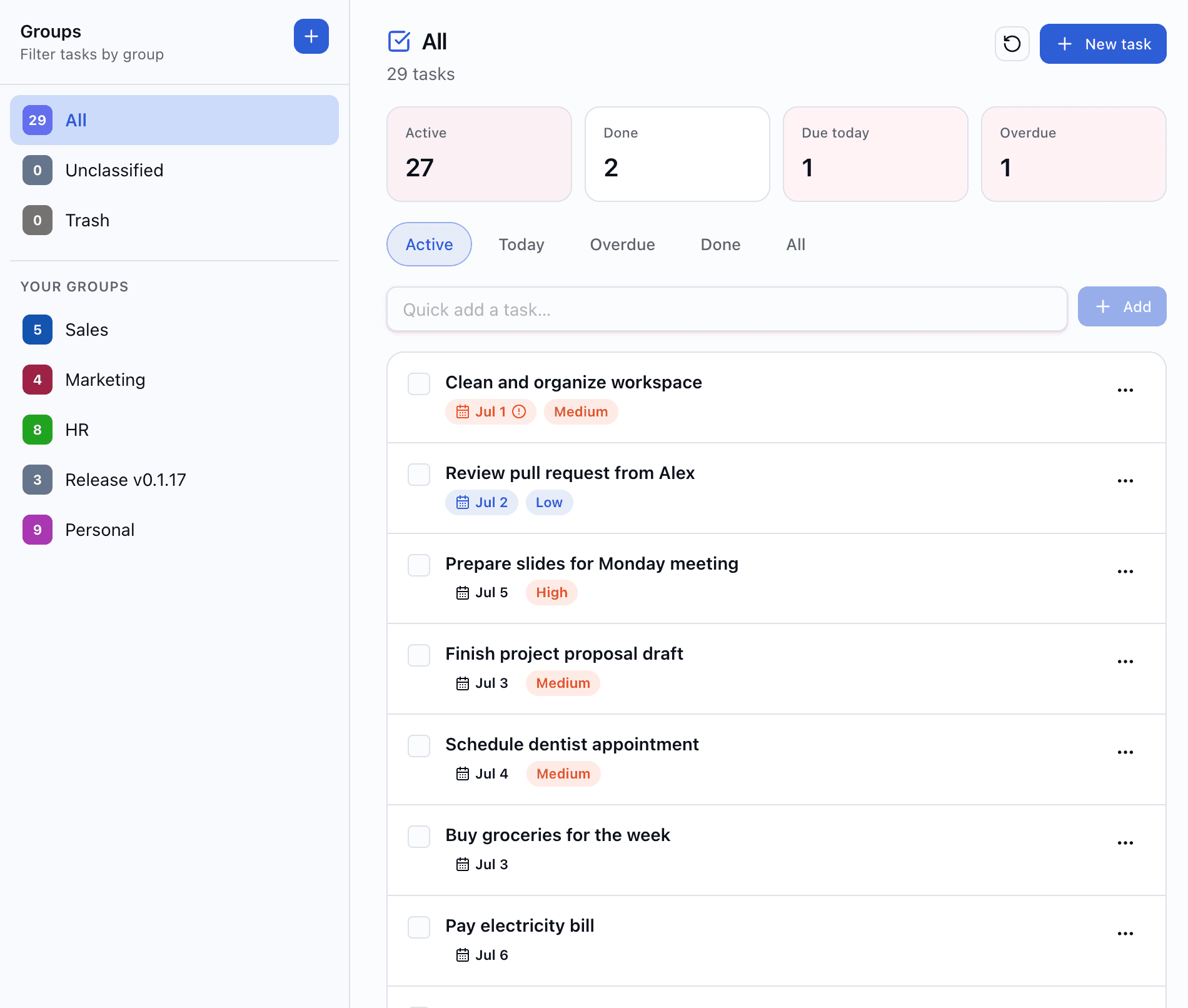
Add tasks from the quick-add field or open the full editor for title, optional note and metadata. Toggle complete without opening a detail screen.
- Quick add at the top of the list
- Optional notes on any task
- Active, Today, Overdue, Done and All filters
Due dates that keep you honest
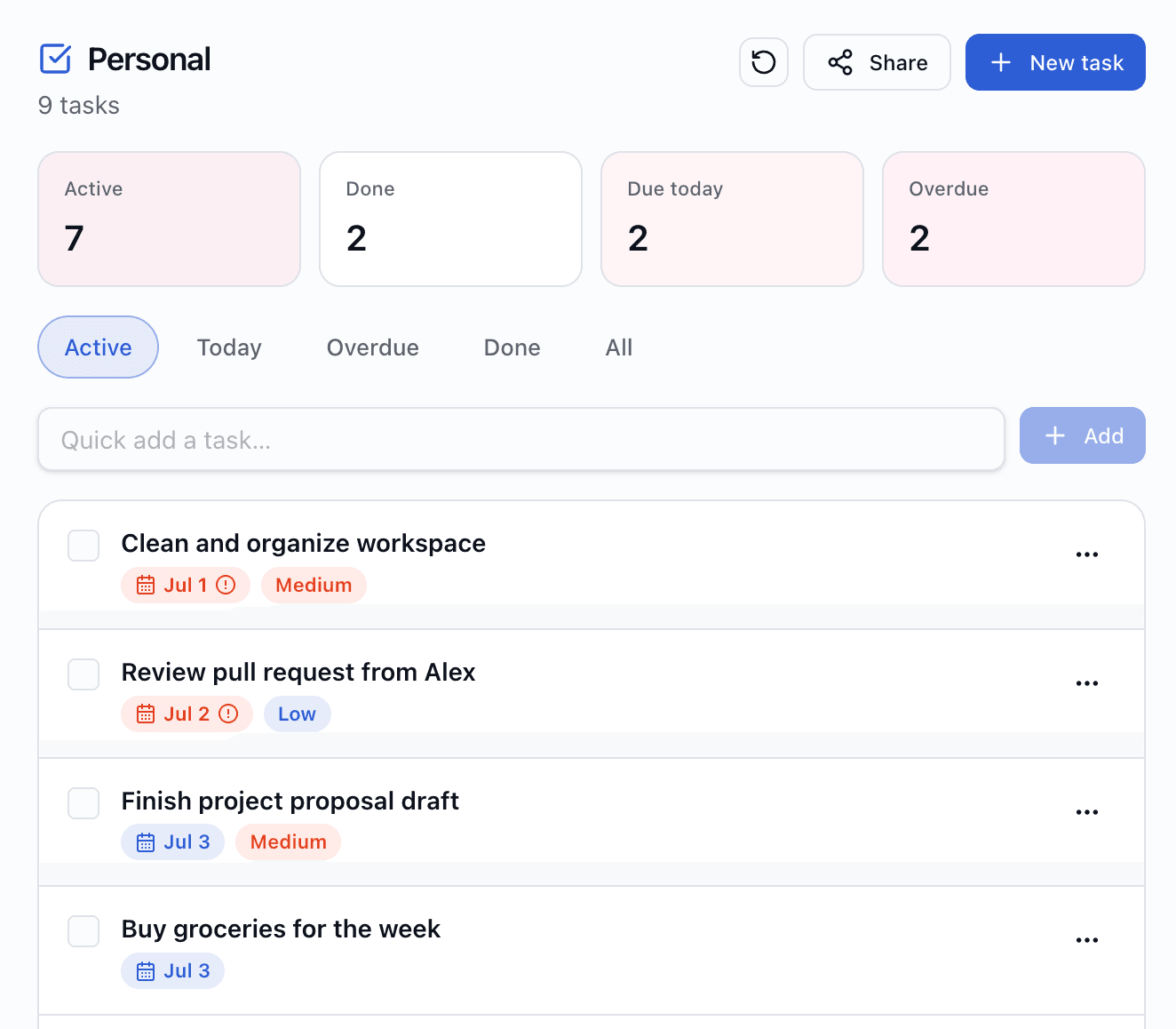
Set a due date per task and filter what matters today. Summary chips show active, done, due today and overdue counts for the current group scope.
- Calendar picker for due dates
- Today and Overdue filters built in
- Summary counts update as you work
Priorities when everything is urgent
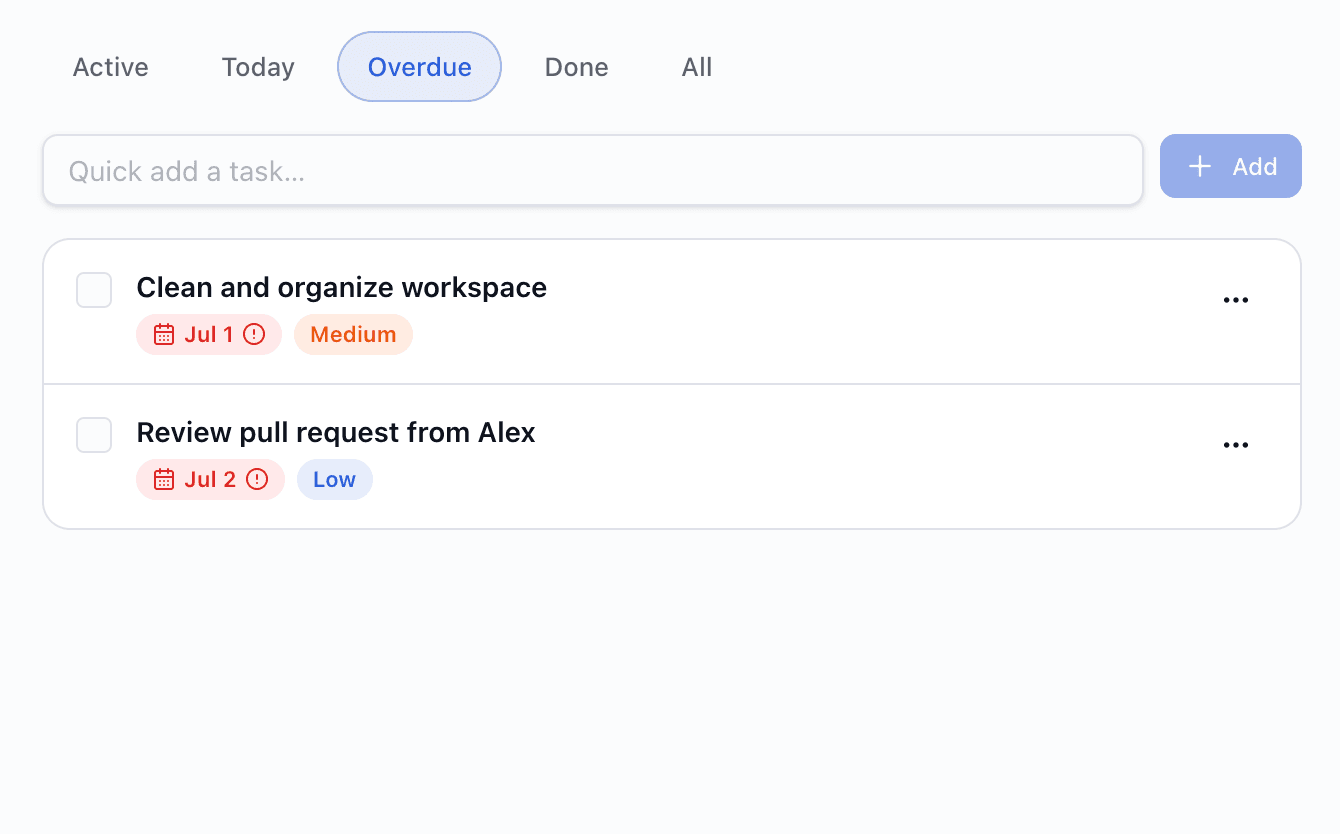
Mark tasks none, low, medium or high. Dashboard widgets can surface high (and optionally medium) priority work so the important stuff stays visible.
- Four priority levels — including none
- Sort and scan by priority in the list
- High-priority widget for your board
Groups for work, personal and side projects
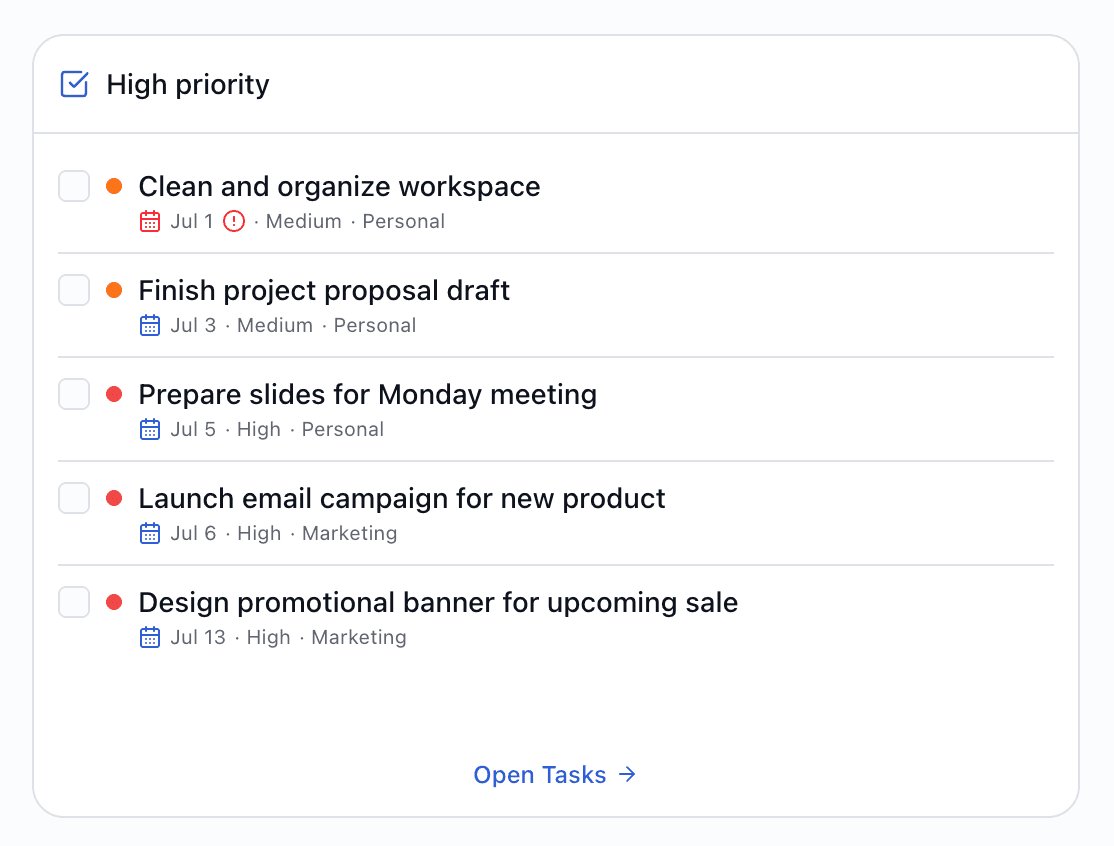
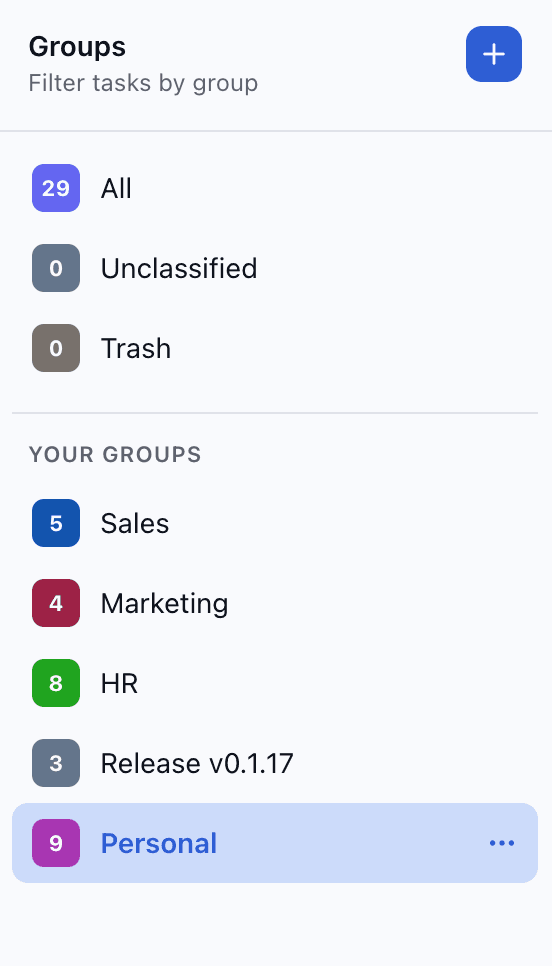
Create named groups with colors. Filter the list by group, move tasks between groups, or leave them unclassified. Deleting a group lets you keep, reassign or trash its tasks.
- Color-coded custom groups
- Resizable groups panel in the sidebar
- Safe group deletion with task handling options
Trash before it's gone forever
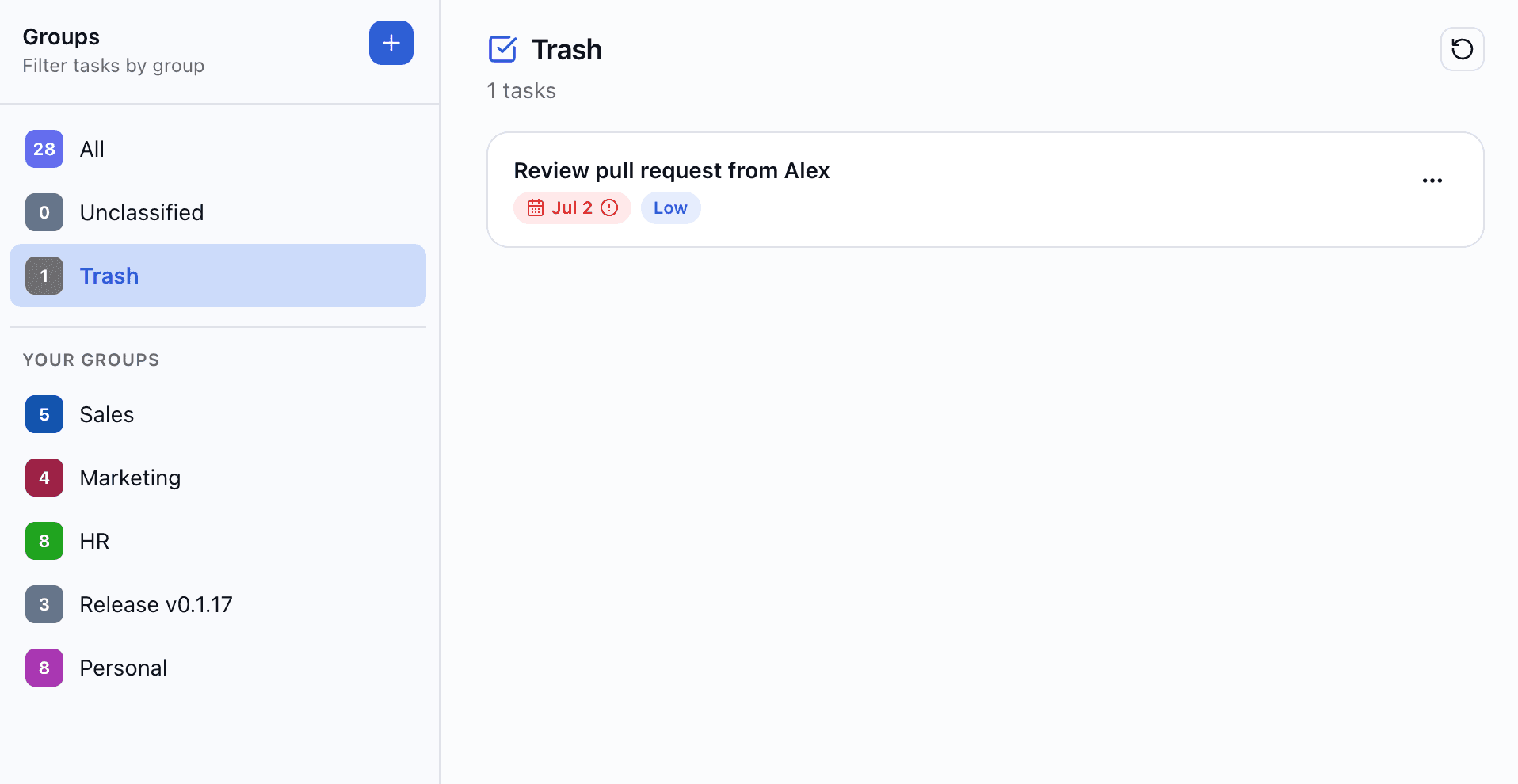
Deleted tasks land in trash first. Restore anything you removed by mistake, or delete permanently when you're sure.
- Soft delete — nothing lost immediately
- Restore individual tasks from trash
- Permanent delete when you're ready
Share a group list publicly
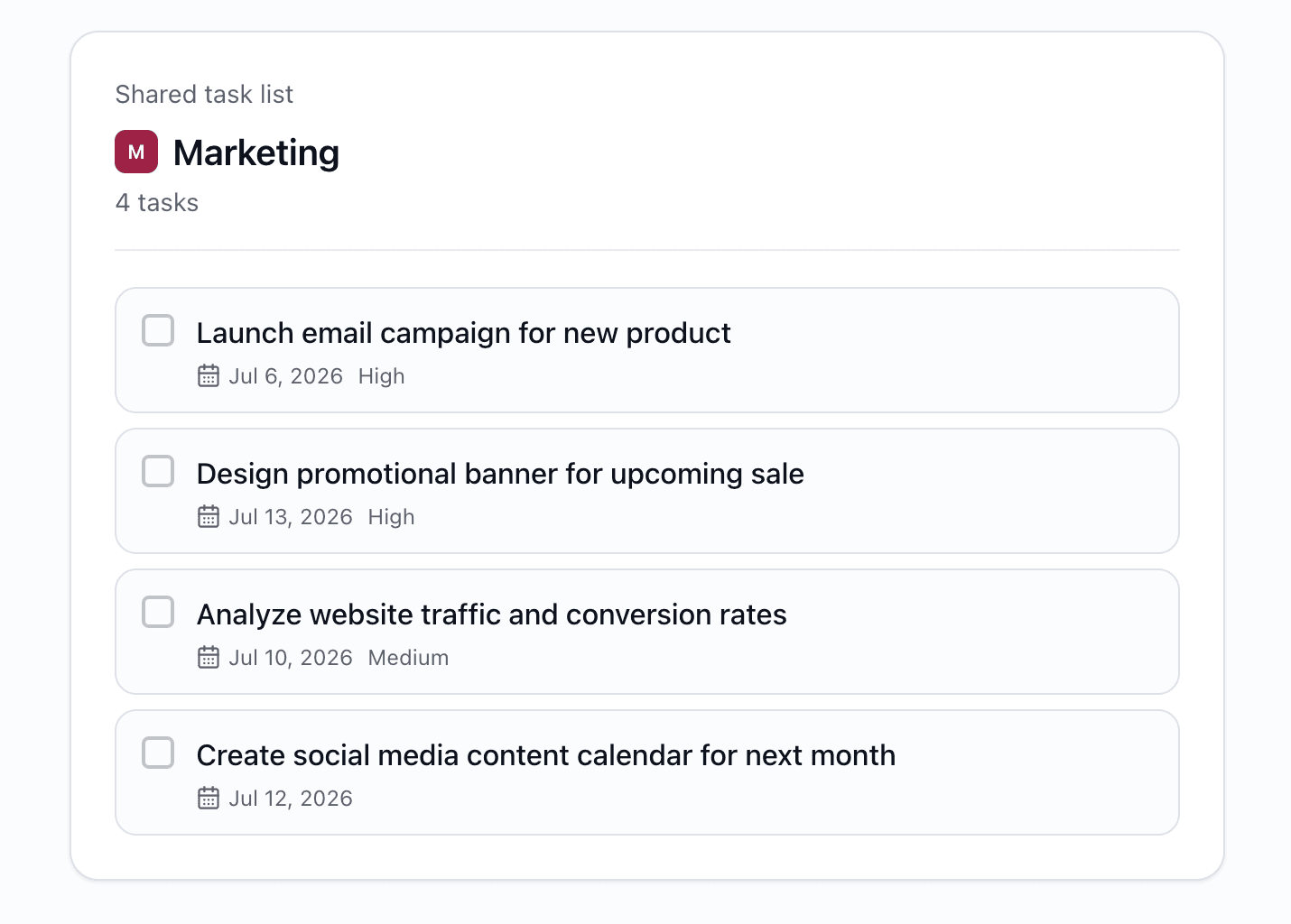
Enable a read-only public link for a task group — useful for shared checklists or showing progress. Rotate the link to revoke old URLs.
- View-only — visitors cannot edit tasks
- Share per group, not per individual task
- Manage links under Settings → Sharing
Task widgets for your dashboard
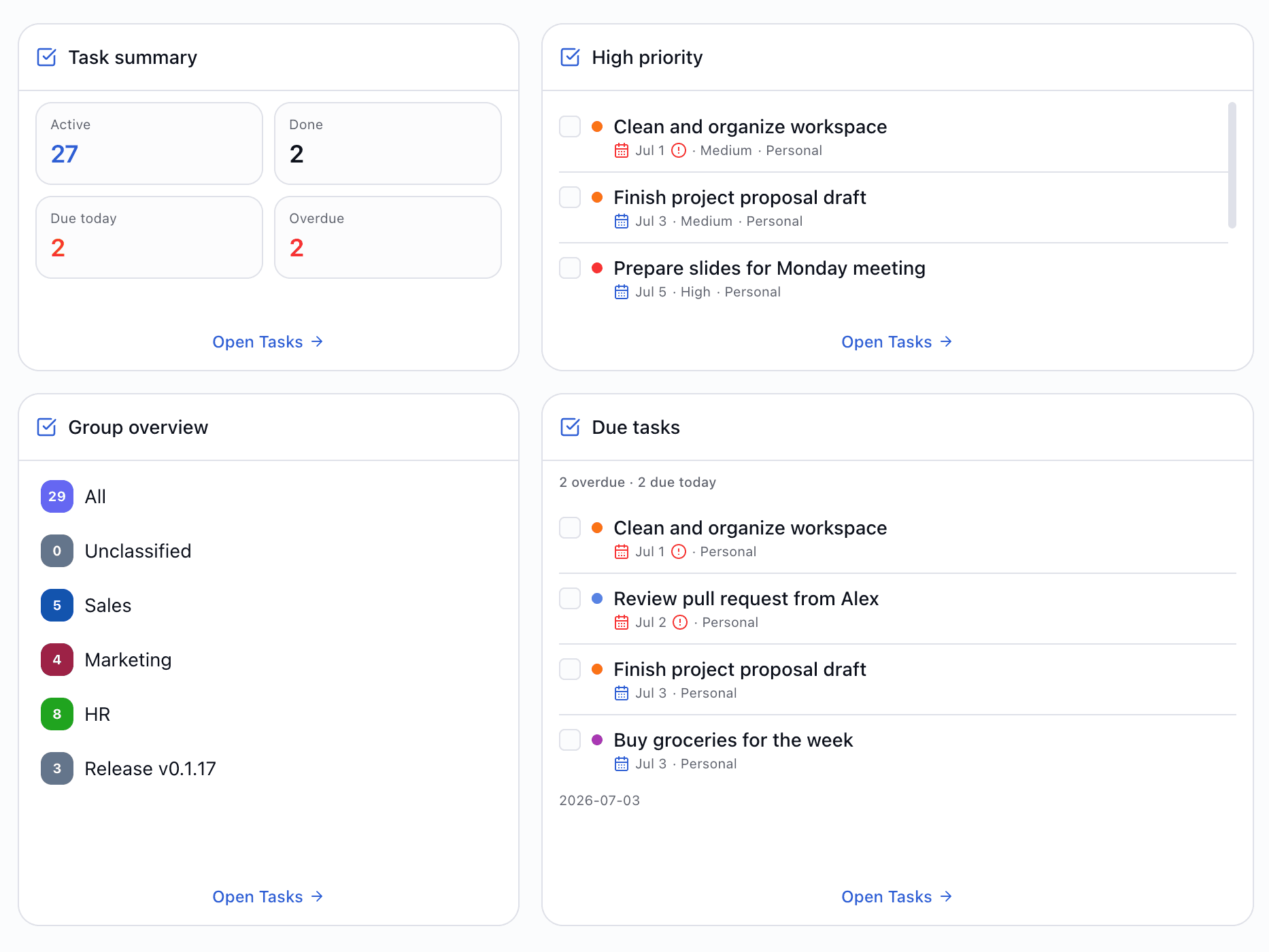
Add widgets for due today, overdue, high priority, summary counts or per-group overview. Configure group scope and limits per widget.
- Due today and overdue at a glance
- Summary and group overview widgets
- Complete tasks from the widget when configured
REST API for your workflow
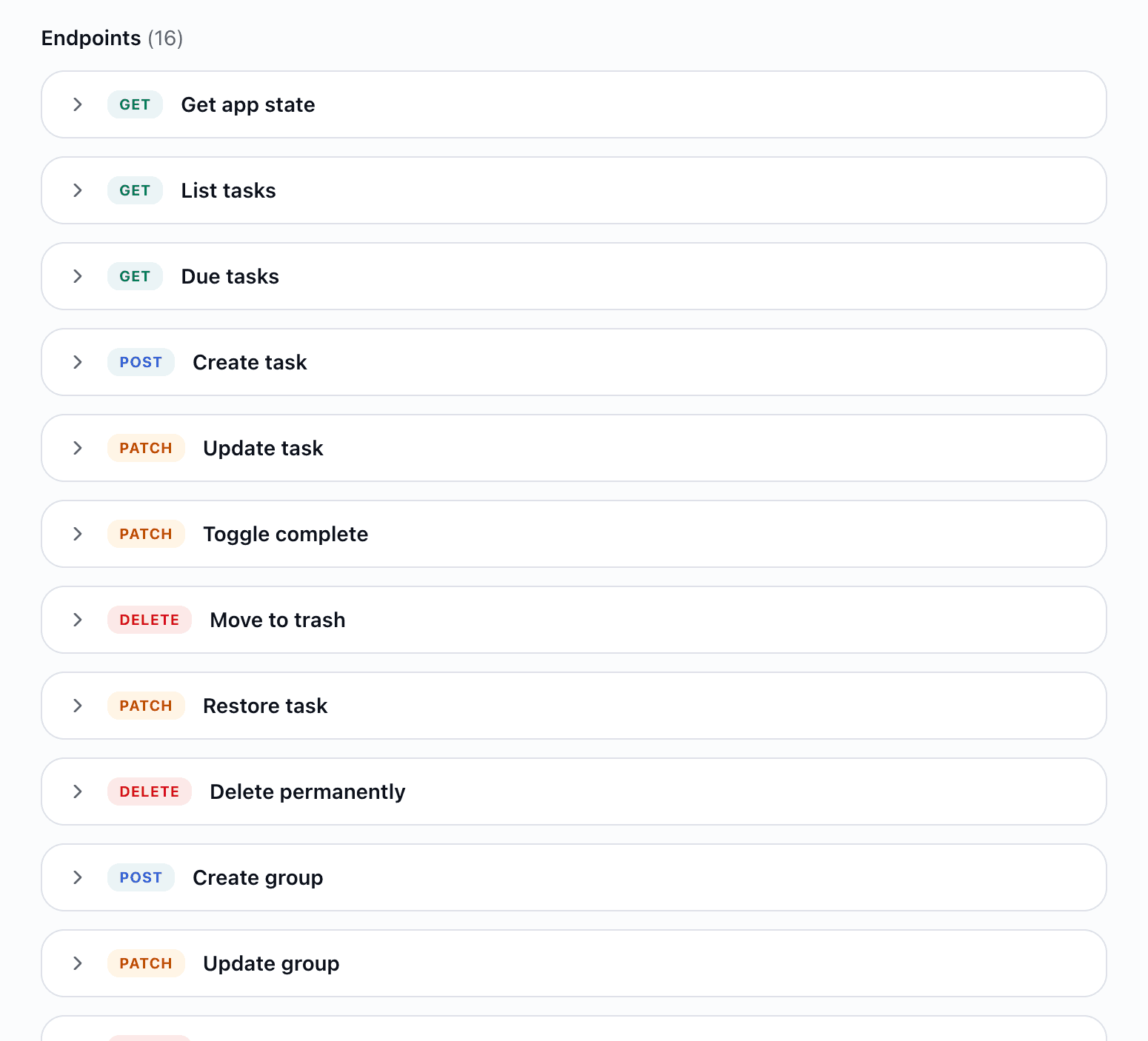
Create API keys with Tasks permission to list, create, update, complete, trash and manage groups from scripts or external tools.
- Filters: active, done, today, overdue, all
- Group and trash endpoints included
- Per-tool keys with plan usage limits
Try Tasks free on AZTools
Get started with Tasks in minutes — no Todoist subscription, no extra tab.