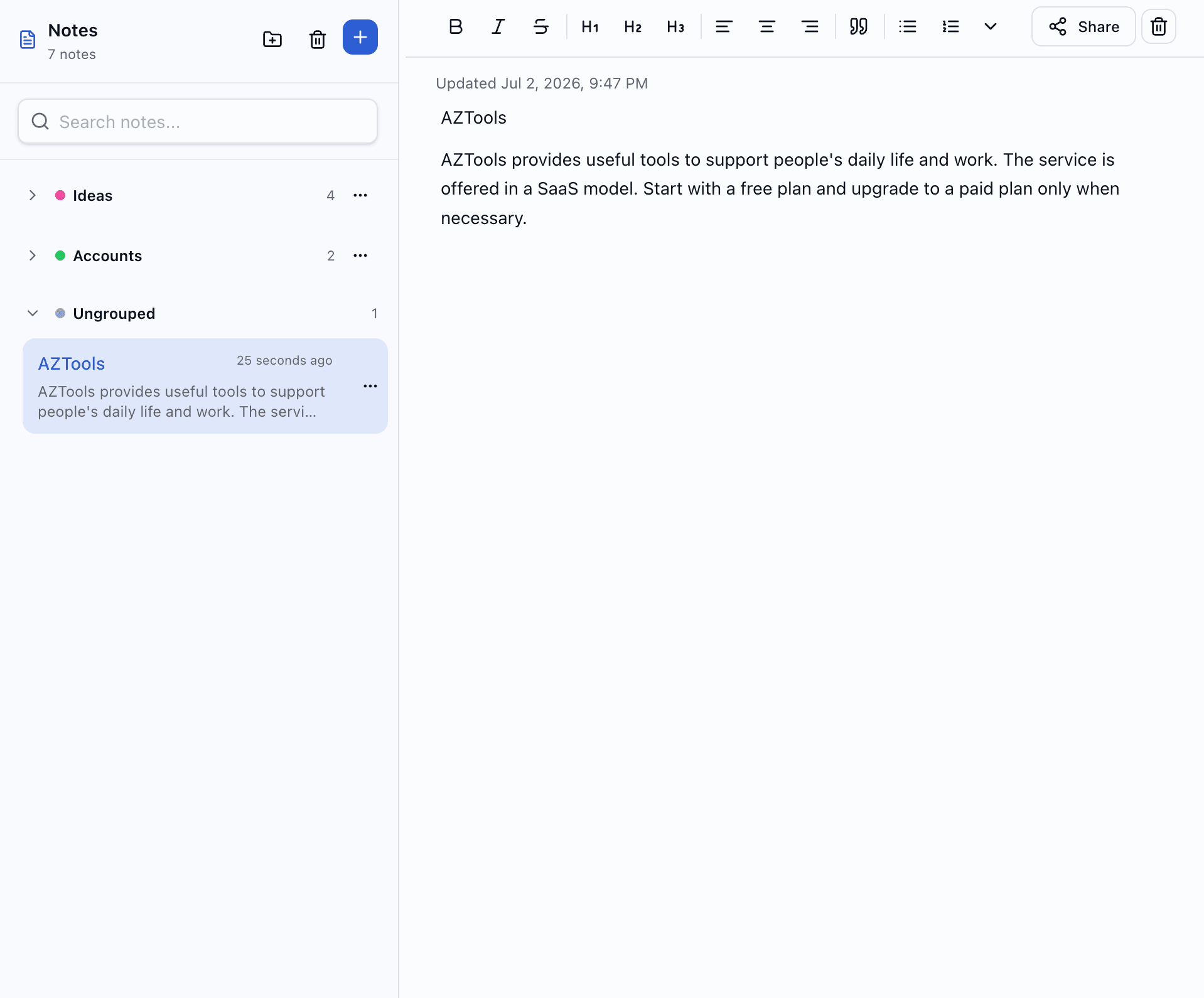
Notes
Write, organize and share — without another app
A full-featured notes tool inside AZTools: rich editor, groups, trash, public links, dashboard widget, AI assistant and REST API.
Free, no credit card · Your notes stay when you turn the tool off
Why Notes on AZTools
Everything you'd expect from a standalone notes app — plus your dashboard, sharing and API in one place.
Rich editor
Headings, lists, tables, quotes, alignment and inline images — not a plain textarea.
Stay organized
Group notes by project or topic with colors. Trash keeps mistakes recoverable.
Share when ready
Publish a read-only link for a note — recipients don't need an AZTools account.
Fits your workflow
Pin recent notes on your board, ask the AI assistant, or automate via API keys.
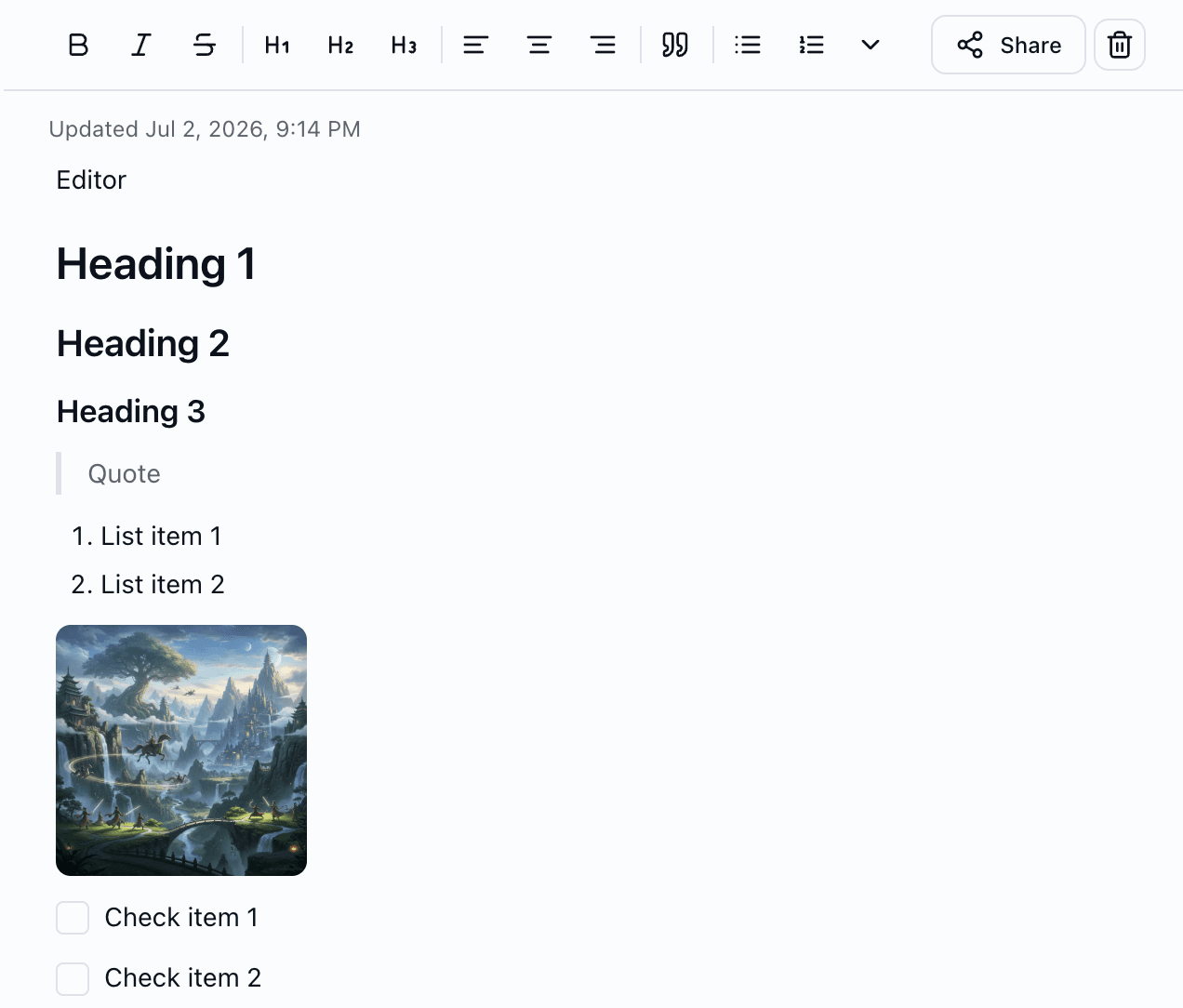
Rich text that feels natural
Write with headings, bold, lists, to-dos, tables, blockquotes and images — uploaded or from URL. Undo/redo and a clean layout keep you focused.
- Format bar for common styles — expand for tables and advanced options
- Upload images or paste a public URL
- Auto-save while you type
Groups that match how you think
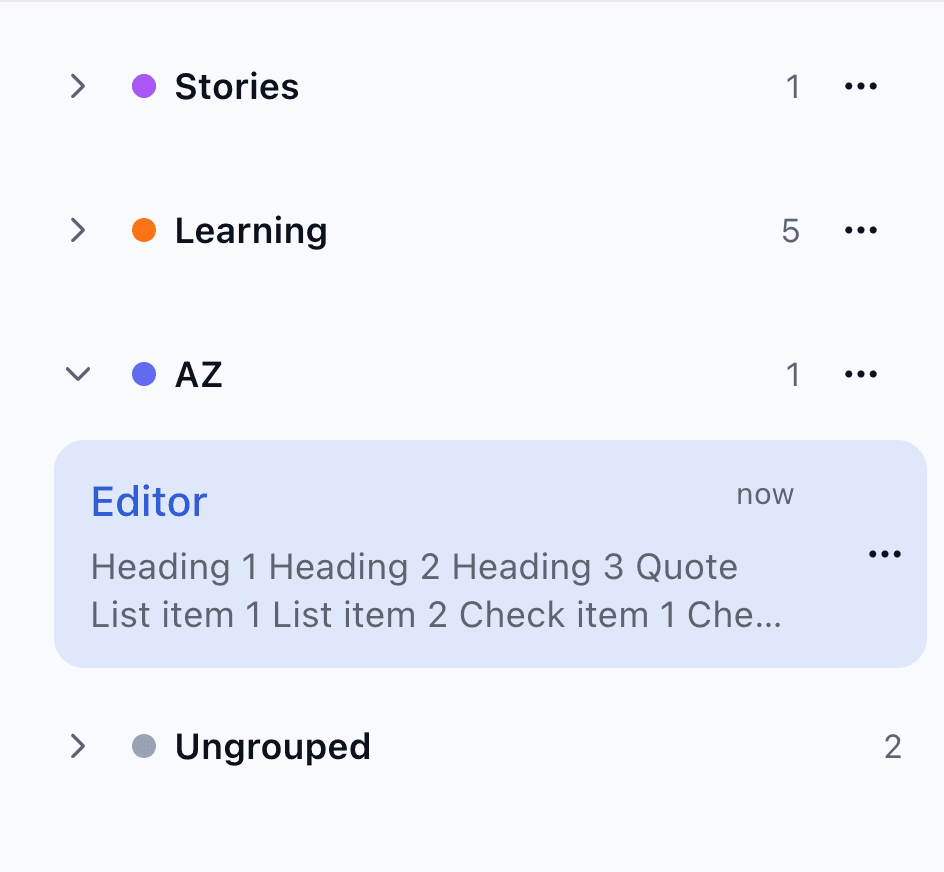
Create groups with names and colors. Drag notes between groups or leave them ungrouped. Collapse sections in the sidebar when you need a cleaner view.
- Color-coded groups at a glance
- Move notes between groups anytime
- Deleting a group never deletes your notes
Trash with a safety net
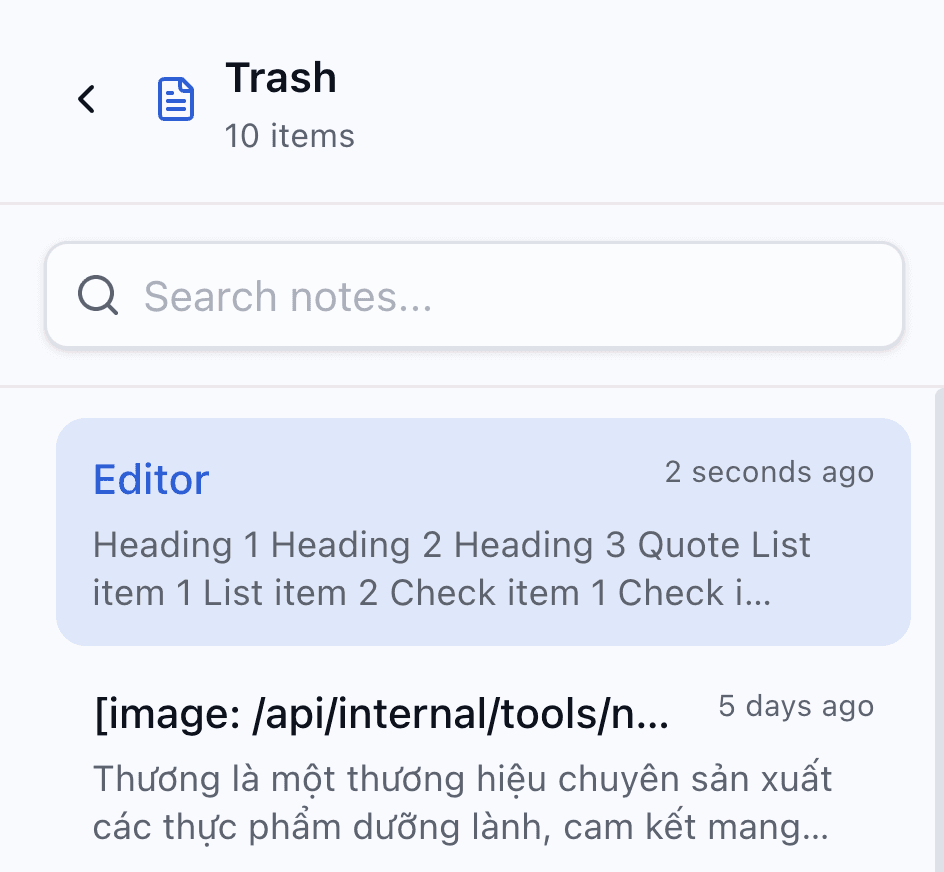
Deleted notes go to trash first — restore them if you change your mind, or delete permanently when you're sure.
- Soft delete before anything is gone for good
- Restore individual notes from trash
- Permanent delete also removes uploaded images
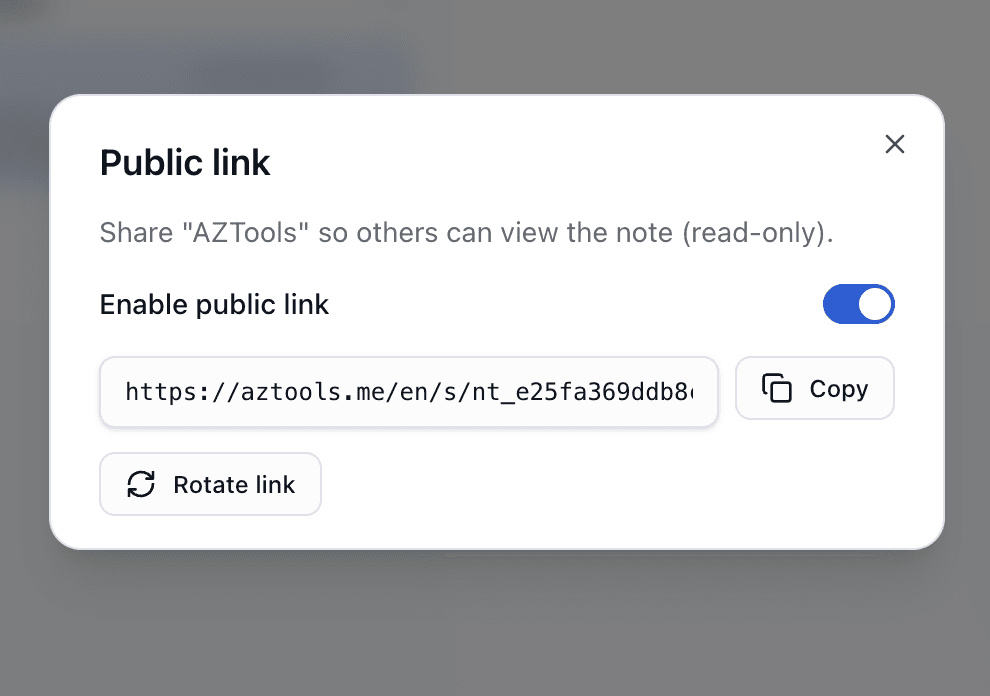
Public links when you want to share
Enable a read-only link for any saved note. Rotate the link to revoke old URLs. Shared pages show the last saved version.
- View-only — visitors cannot edit your note
- Copy link or rotate token from the editor
- Manage active share links under Settings → Sharing
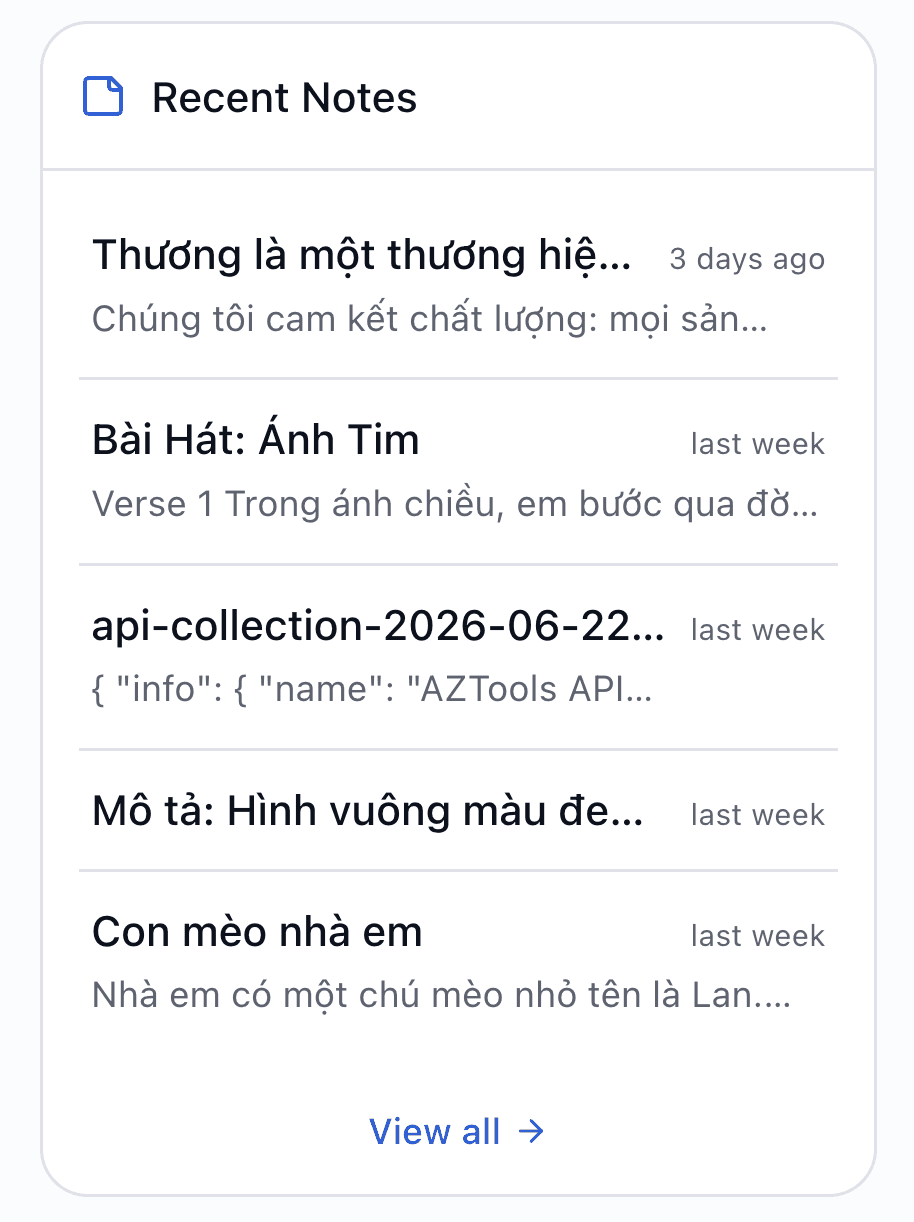
Recent notes on your dashboard
Add the Recent Notes widget to any board and see what you wrote last — open a note in one click without hunting the sidebar.
- Pin on any dashboard you create
- Jump straight into the note editor
- Works alongside weather, tasks and other widgets
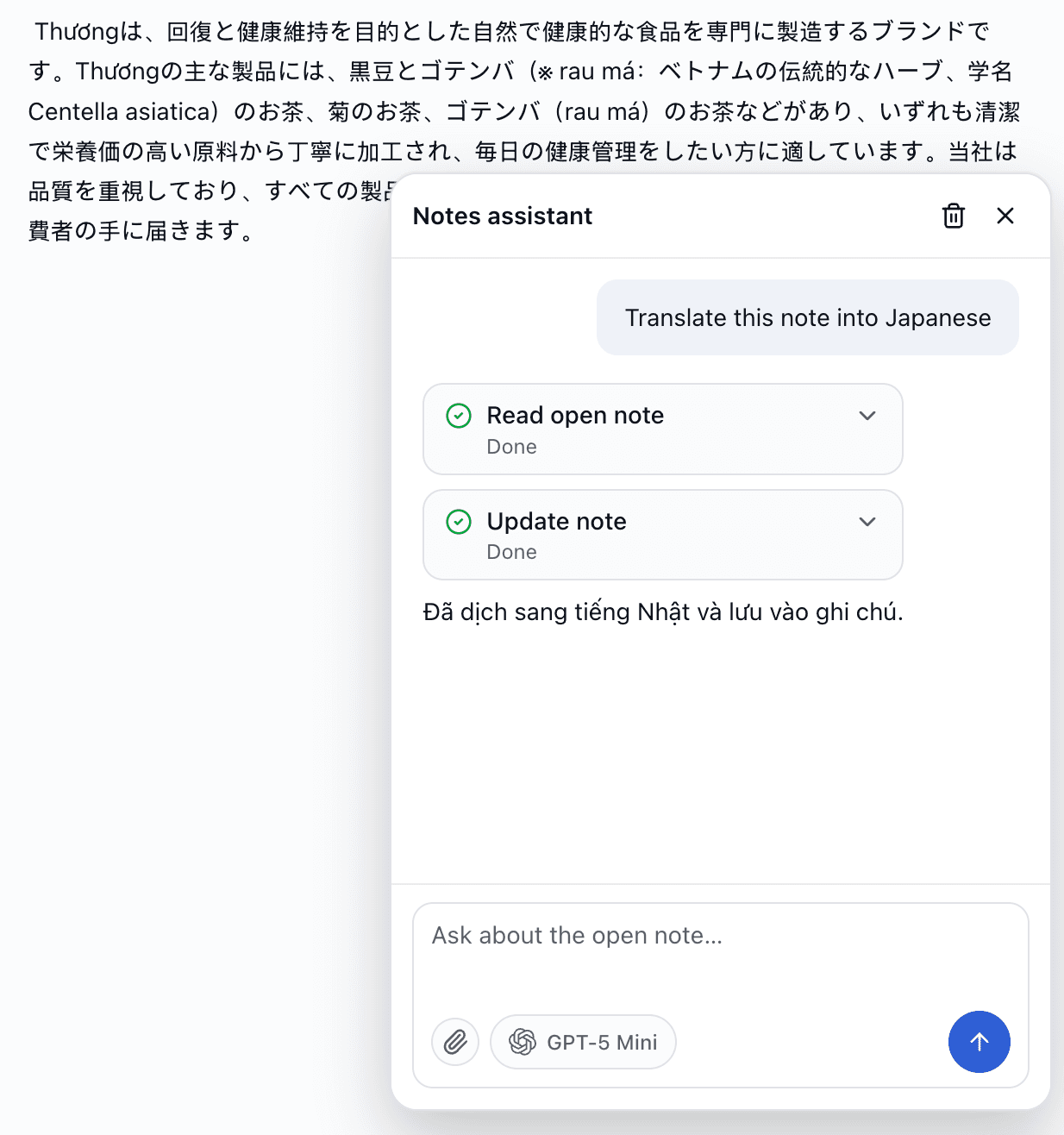
AI assistant for your notes
On Pro and Business plans, use the built-in Notes assistant to draft titles, summarize long notes, suggest rewrites or answer questions about your content — with your own AI provider keys.
- Works on the note you have open
- Create, update or organize notes via chat (with your approval)
- Bring your own API keys — you control cost
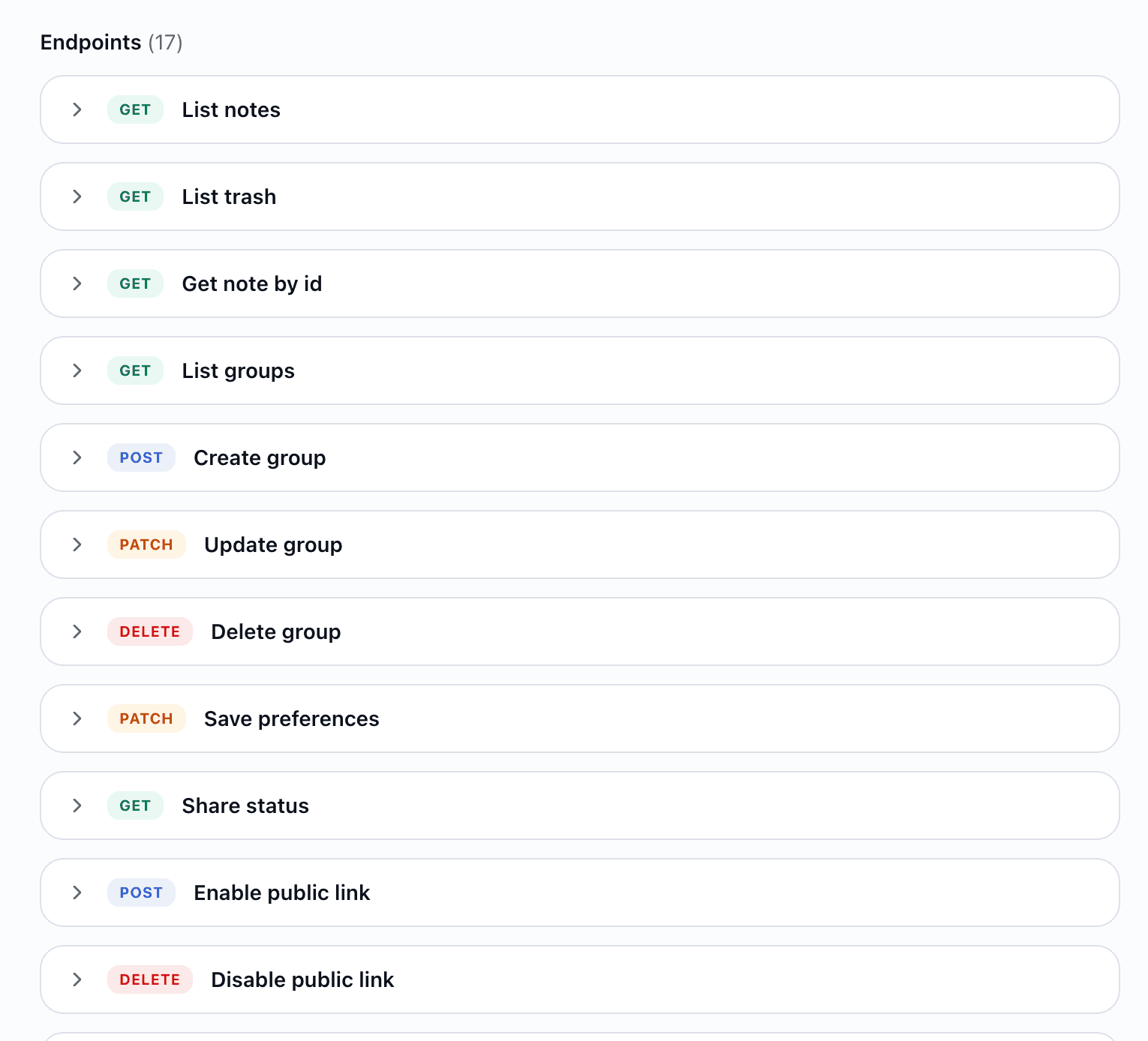
REST API for automation
Create API keys with Notes permission and integrate with scripts, Zapier-style workflows or your own apps. List, create, update, trash and share notes programmatically.
- HTML, Markdown or plain text in and out
- Groups, trash and share endpoints included
- Per-tool keys with usage limits by plan
Try Notes free on AZTools
Get started with Notes in minutes — no separate subscription, no app install.