Pomodoro
Focus in cycles — without another timer app
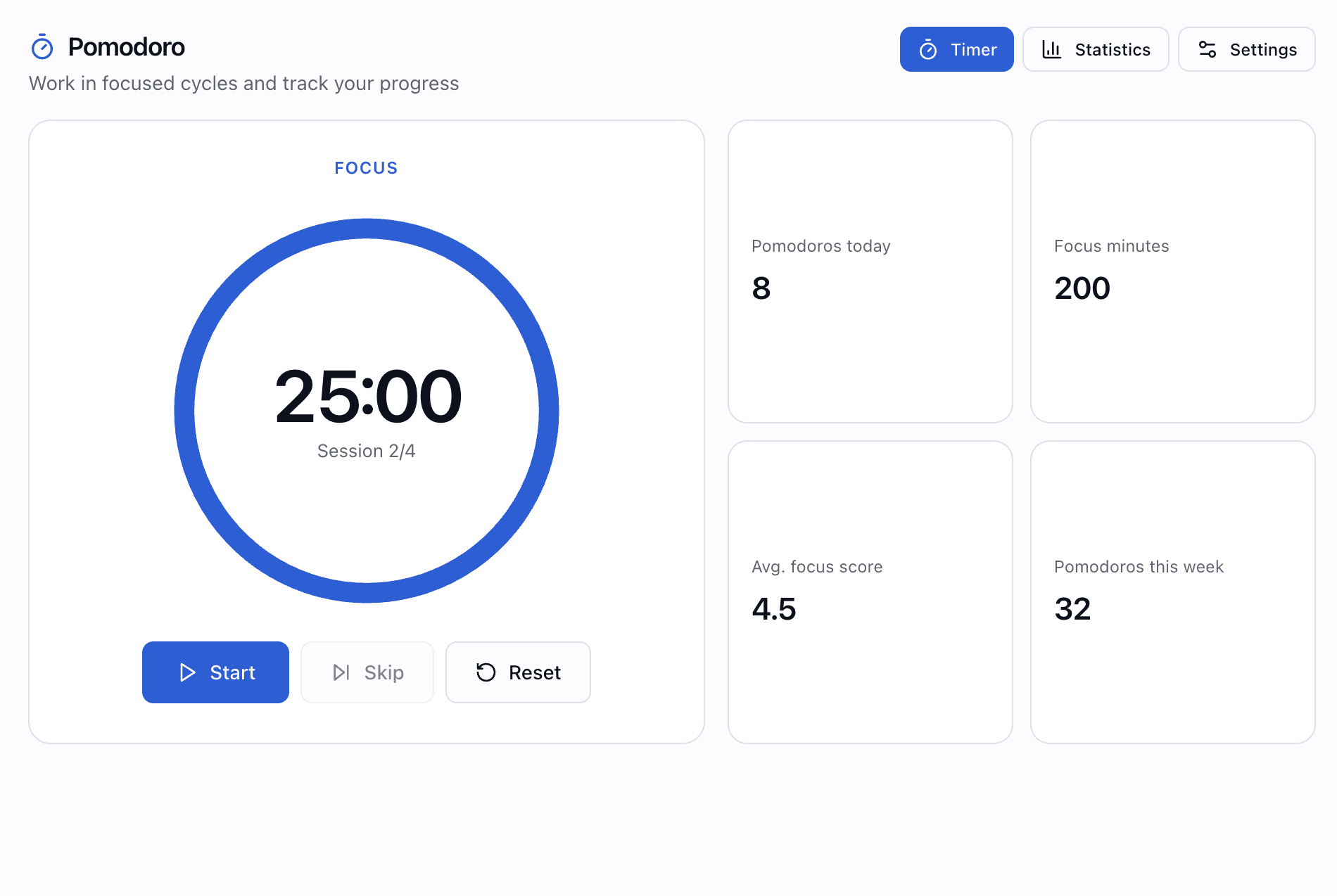
A Pomodoro timer inside AZTools: focus and break sessions, custom durations, statistics, focus ratings, notifications and dashboard widgets.
Free, no credit card · Your session history stays when you turn the tool off
Why Pomodoro on AZTools
Classic 25/5 cycles or your own timings — with stats that actually help you improve, not just count minutes.
Real Pomodoro flow
Focus → short break → repeat, with long breaks after every N sessions — start, pause, skip or reset anytime.
Know your patterns
Daily and weekly counts, focus minutes, charts for 7/14/30 days and average focus scores.
Stay on schedule
Sound alerts, desktop notifications and optional auto-start for breaks and focus.
On your board
Run a timer or see today's count from a dashboard widget — next to notes, tasks and more.
A timer built for deep work
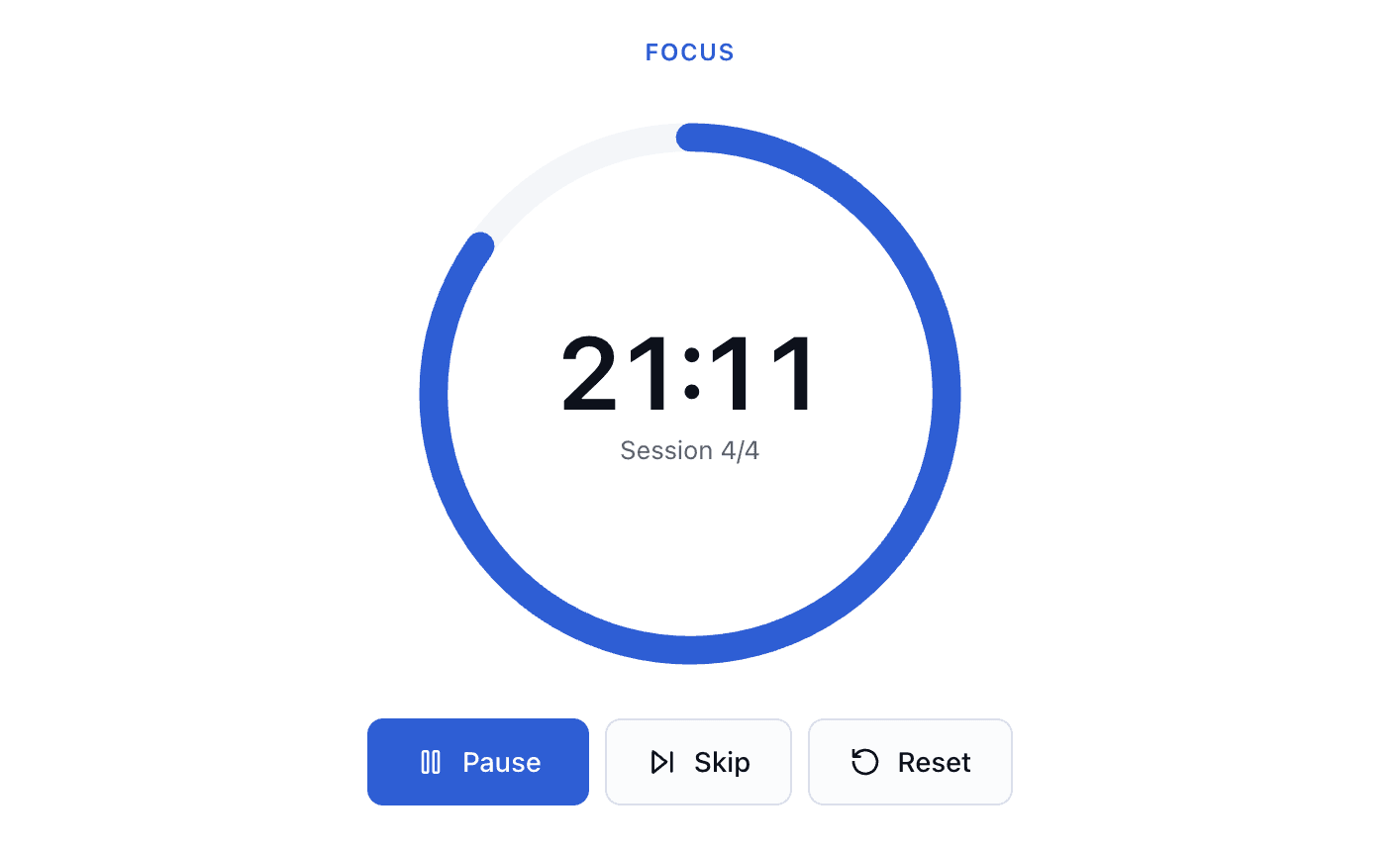
Switch between focus, short break and long break phases with a clear cycle counter. Controls for start, pause, resume, skip and reset — plus in-app alerts when a session ends.
- Visual timer with session progress (e.g. 2/4)
- Focus, short break and long break phases
- Notifications when focus or break completes
Your durations, your rhythm
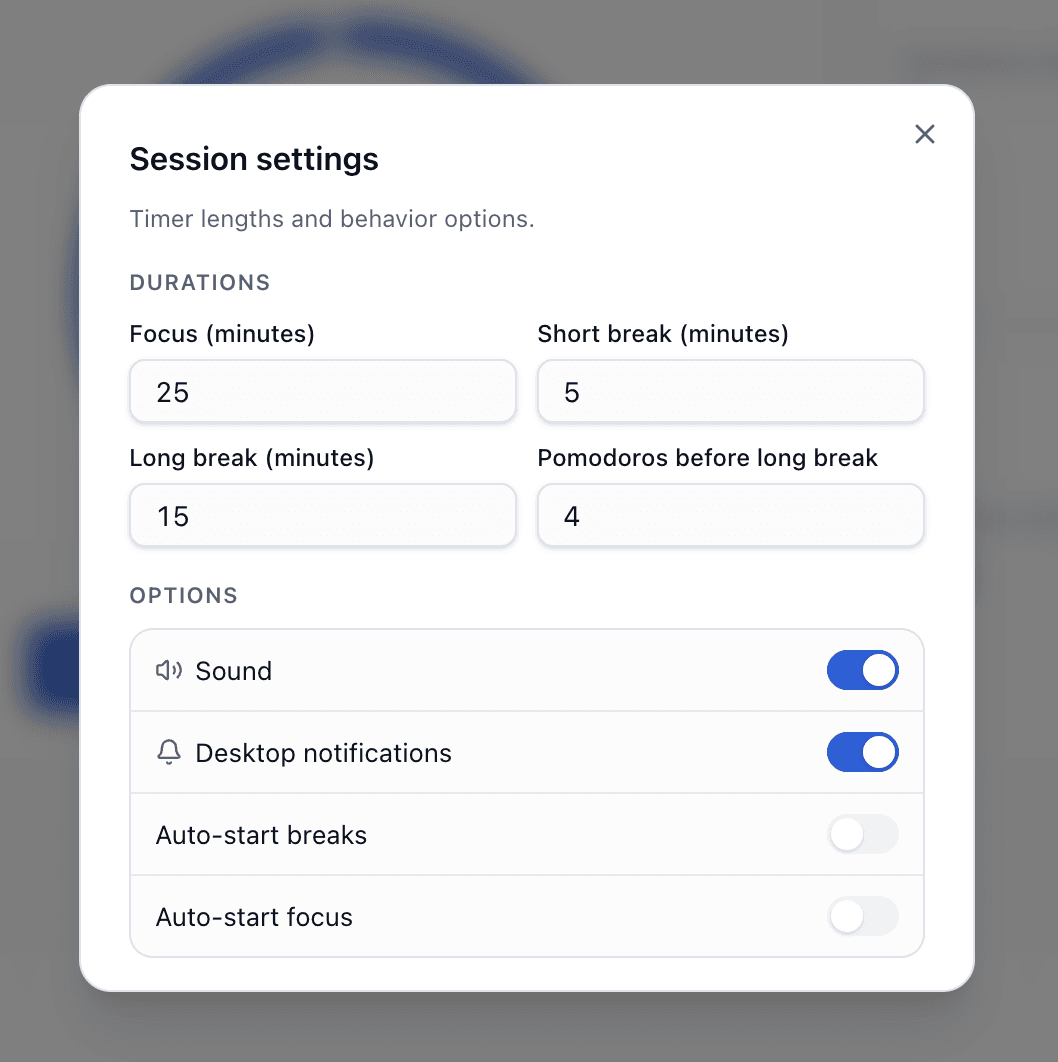
Adjust focus length, short break, long break and how many pomodoros before a long break. Defaults work out of the box — tweak when you know what fits you.
- Custom minutes for each phase type
- Configure pomodoros per long-break cycle
- Saved to your account across devices
Alerts that match how you work
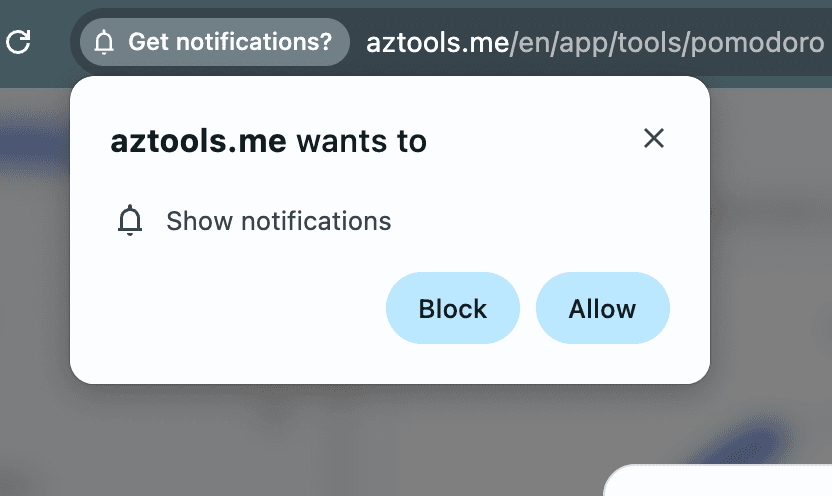
Turn sound on or off, enable desktop notifications (with permission), and optionally auto-start breaks or the next focus session when a phase ends.
- Sound cue when a session finishes
- Browser desktop notifications (optional)
- Auto-start breaks and/or focus
Statistics that show progress
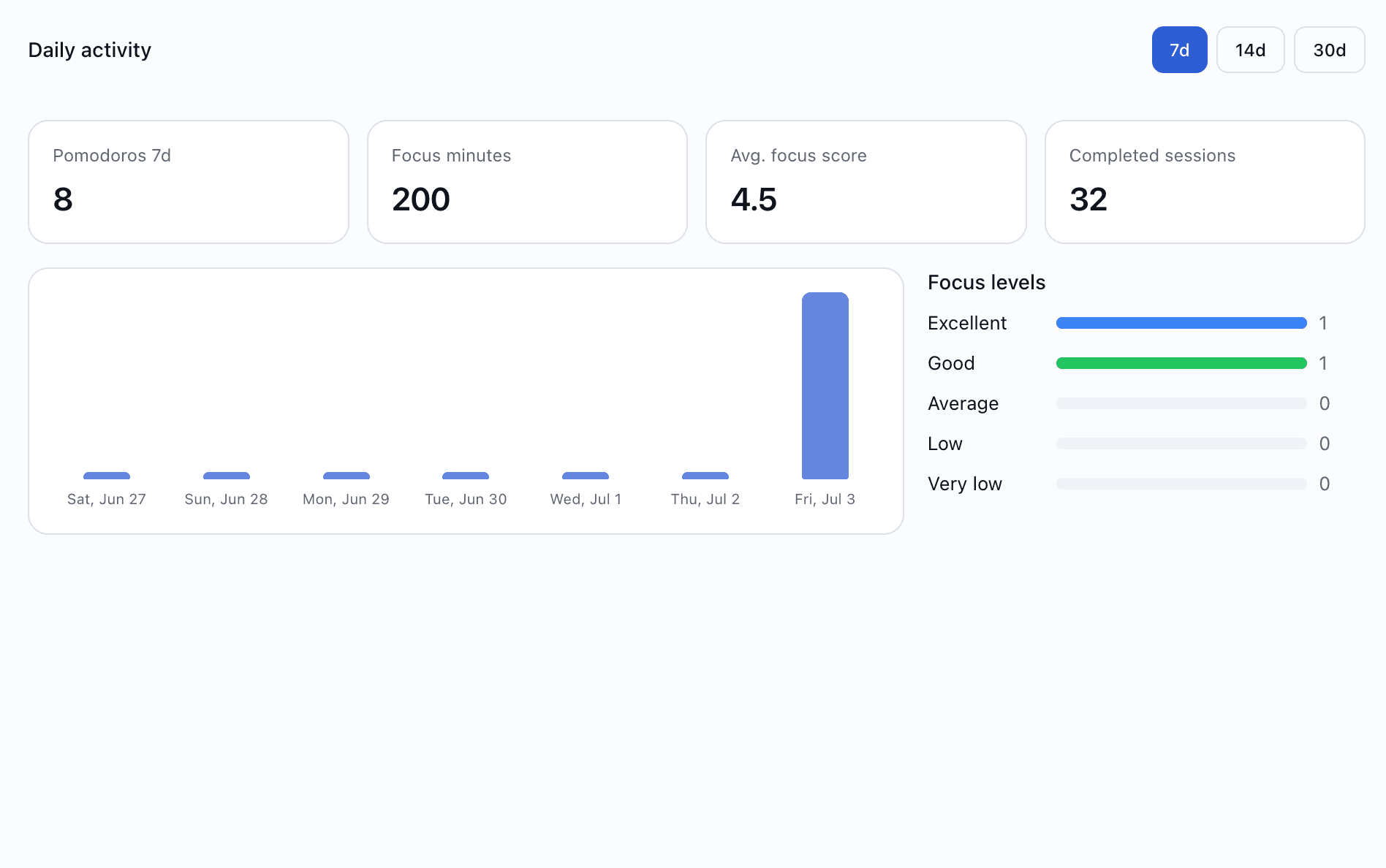
See pomodoros today and this week, total focus minutes and completed sessions. Charts for the last 7, 14 or 30 days — hover for daily detail.
- Today / week summary at a glance
- Daily activity chart with period selector
- Focus level breakdown over time
Rate how focused you felt
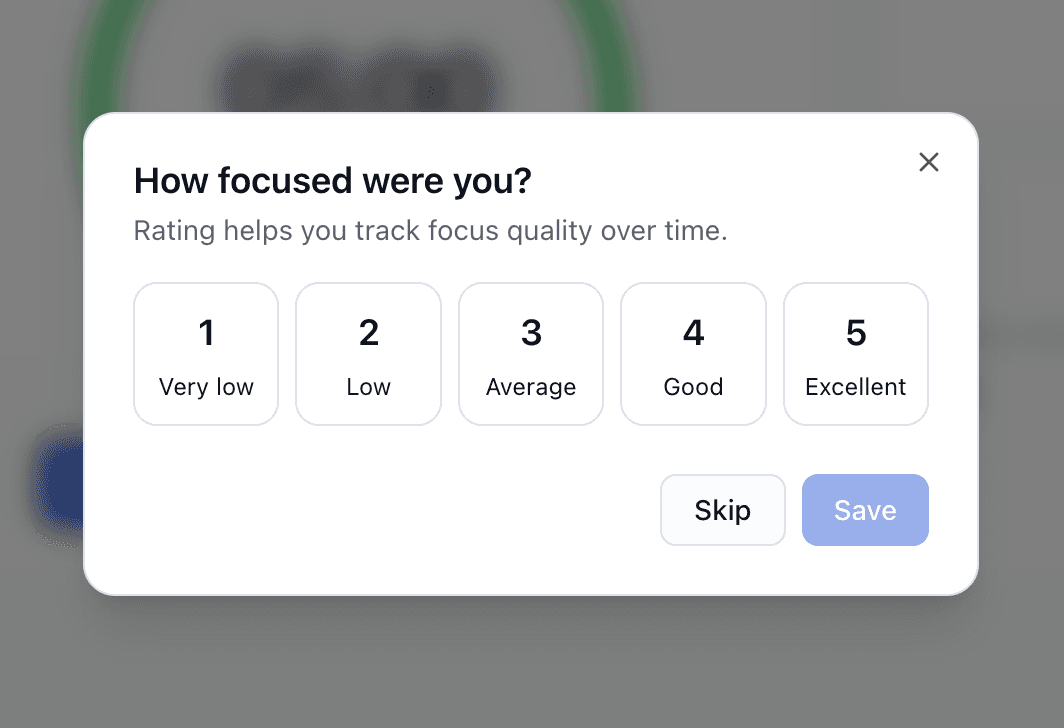
After a focus session, optionally score your concentration from 1–5. Ratings feed your average focus score and help you spot good (and bad) days.
- Quick 1–5 rating — or skip
- Average focus score in statistics
- Track quality, not just quantity
Pomodoro on your dashboard
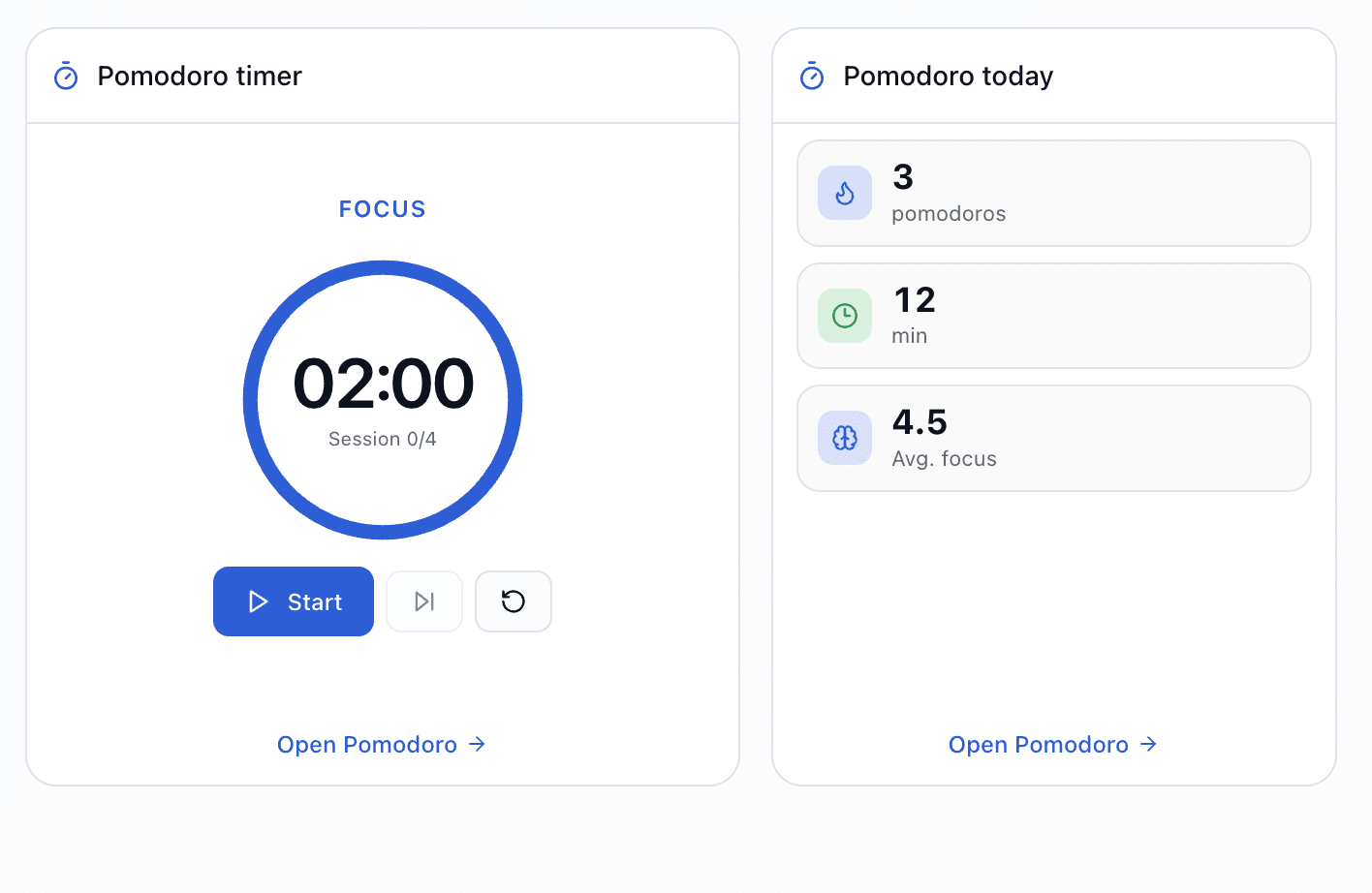
Add a live timer widget to run pomodoros from your board, or a today summary widget with count, minutes and average focus — without opening the full tool.
- Timer widget — start focus from the board
- Today widget — pomodoros, minutes, avg focus
- Configure alongside other AZTools widgets
REST API for power users
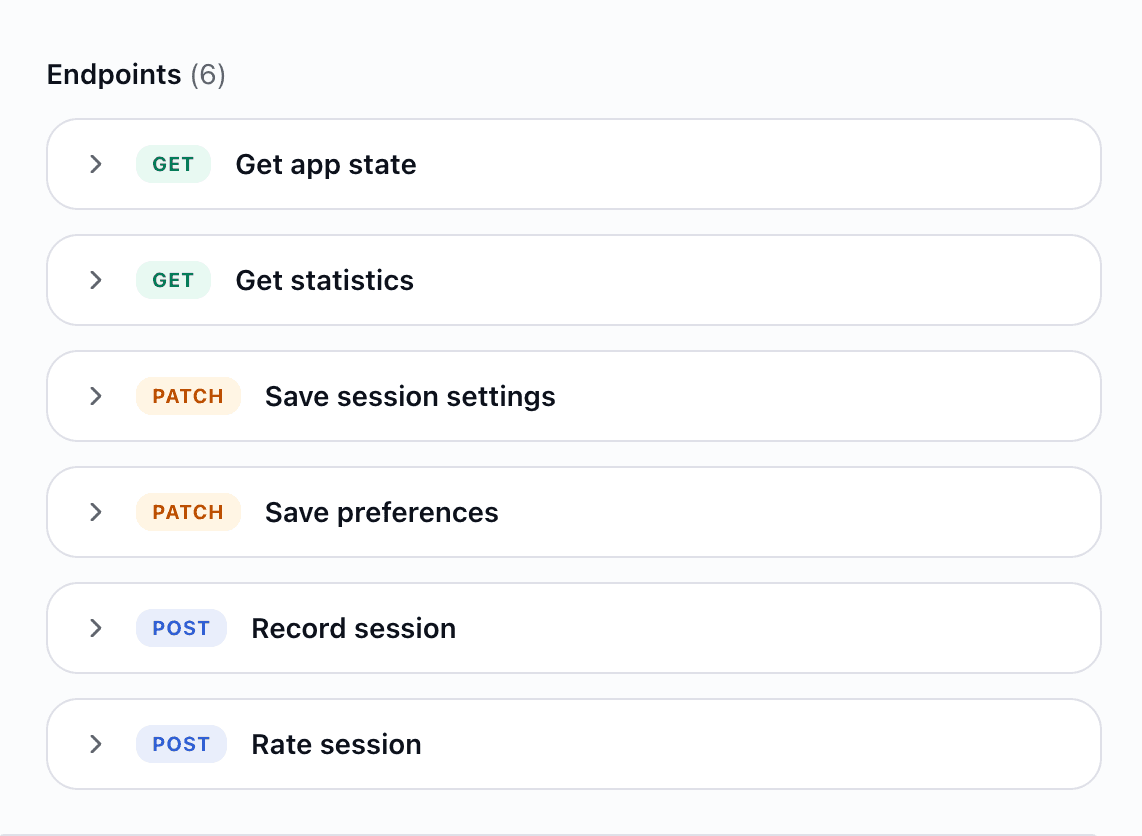
Record sessions, fetch statistics, update settings and preferences, or rate focus programmatically — useful for custom dashboards or integrations.
- Record completed sessions with timing metadata
- Statistics for today, 7d, 14d or 30d
- Per-tool API keys with plan limits
Try Pomodoro free on AZTools
Enable the timer in minutes — no separate Focus app, no extra subscription.